
For most organizations today, data sits at the core of nearly every decision and operational workflow. As its role grows, so do the risks—from human error to cyberattacks that can disrupt business at any moment. This is why many companies now rely on cloud backup as a more secure, flexible, and easily recoverable solution. The rising demand is reflected globally: the cloud backup market is projected to grow from USD 4.69 billion in 2023 to USD 20.34 billion by 2030, with an annual growth rate of around 24.4%.
This article breaks down everything you need to know about cloud backup, why it matters, and how it strengthens your data protection strategy.
What Is Cloud Backup?
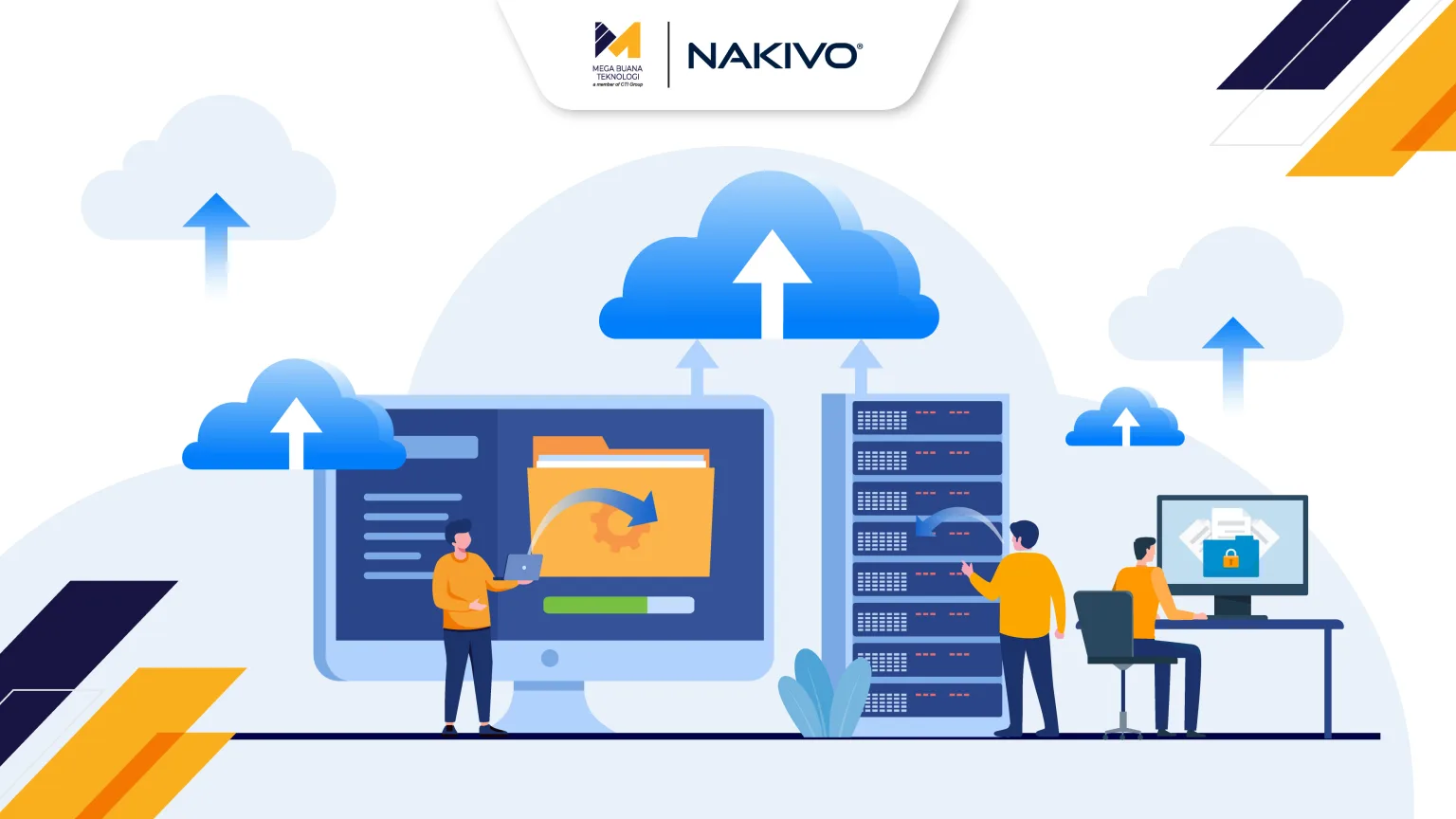
Cloud backup is the process of storing copies of data in cloud-based storage to protect against data loss or damage. Unlike physical storage devices such as hard drives or Network Attached Storage (NAS), cloud backup allows data to be securely transferred and stored online, making it easy to restore whenever needed.
How Cloud Backup Works
At its core, cloud backup works by transferring copies of data from local systems or devices to a secure cloud storage environment over an encrypted internet connection. It typically starts with a full backup, followed by incremental backups that only capture the most recent changes. This approach saves time and bandwidth while keeping data sets up to date.
Once stored in the cloud, the data is protected with encryption and access controls. Whenever restoration is required, the data can be retrieved with just a few steps, ensuring accessibility without relying on on-site hardware.
Types of Cloud Backup
Every organization has different data protection needs depending on its size, system architecture, and operational pace. For that reason, cloud backup is available in several methods designed to match different workflows and recovery requirements.
Below are the three most commonly used cloud backup methods:
Full Backup
A full backup captures all data in a single backup session. It provides a complete copy that simplifies recovery but requires more time, bandwidth, and storage capacity compared to other methods.
Differential Backup
A differential backup stores all changes made since the last full backup. It’s more efficient than performing repeated full backups, although restoration still requires the original full backup.
Incremental Backup
An incremental backup captures only the changes made since the previous backup—whether full or incremental. It offers excellent efficiency in terms of time and storage, although restoration requires assembling all incremental backup points.
Key Features of Cloud Backup
Cloud backup solutions typically come equipped with essential features designed to keep data safe, recoverable, and easily managed. These capabilities form the foundation of an effective data protection strategy.
Here are the core features commonly found in cloud backup services:
- End-to-end encryption: Data is encrypted during transfer and while stored in the cloud.
- Incremental & scheduled backup: Only the latest changes are backed up, following an automated schedule.
- Versioning & retention policy: Multiple file versions are stored for rollback or long-term retention.
- Scalable cloud storage: Storage capacity expands automatically based on data needs.
- Monitoring & alerting: Backup processes are monitored, with alerts for failures or issues.
- Role-based access control (RBAC): Access is restricted based on user roles to maintain security.
- Remote recovery: Data can be restored anytime, from anywhere.
Main Benefits of Using Cloud Backup

As data becomes one of an organization’s most valuable assets, maintaining operational continuity and security is no longer optional—it’s essential. Cloud backup offers a reliable safeguard that keeps business operations running even during unexpected disruptions.
Below are some of the key benefits cloud backup provides:
Stronger Data Security
Cloud backup protects against data loss caused by human error, hardware failure, or cyberattacks. With strong encryption and secure storage environments, businesses can preserve data integrity and confidentiality.
Faster Data Recovery
Cloud-based restoration allows organizations to recover data quickly when incidents occur. Access to backup copies shortens downtime and helps operations return to normal faster.
Access from Anywhere
Cloud backup enables data access and restoration from any location with an internet connection. This is essential for remote teams or hybrid work environments that require flexible and uninterrupted access.
Why Businesses Choose Cloud Backup
As more applications and data move across both cloud and on-prem environments, the risks of disruptions, human mistakes, and cyberattacks continue to rise. Cloud backup provides an additionallayer of resilience by storing data in separate, secure locations—ensuring it remains accessible, recoverable, and protected from localized failures.
This is one of the primary reasons many organizations now see cloud backup as a foundational component of their business continuity strategy.
Cloud Backup Software NAKIVO: A Modern, Efficient Data Protection Solution
NAKIVO delivers an efficient and lightweight approach to cloud backup. With advanced deduplication technology, it can reduce storage requirements by up to 30 times compared to non-deduplicated backups—significantly optimizing capacity usage. These efficiencies directly translate to lower operational costs, bringing NAKIVO’s total cost of ownership down by as much as 49% compared to many other vendors.
In terms of performance, NAKIVO enables faster backup operations through incremental change tracking, making the process up to twice as efficient. Its consistency and quality have also earned global recognition, including an Honorable Mention in the Gartner® Magic Quadrant™ 2024 for Enterprise Backup and Recovery Software Solutions—reinforcing its credibility as a trusted solution in the global market.
Strengthen Your Data Protection Strategy with MBT
Mega Buana Teknologi (MBT), part of CTI Group, is ready to help you build a cloud backup ecosystem that is secure, efficient, and resilient against evolving risks. Using NAKIVO’s powerful backup capabilities, MBT delivers faster backup performance, optimized storage usage, and flexible recovery across diverse environments. Supported by an experienced professional team, MBT ensures that every deployment aligns with your business goals and modern security standards.
Contact us today to discover a cloud backup solution designed to safeguard your data and keep your operations running smoothly.
Author: Danurdhara Suluh Prasasta