
How quickly can your IT team recover server data when a disaster strikes? In real-world situations, when systems go down, customers are left waiting, and management monitors every passing minute, the scale of risk facing the business becomes increasingly apparent.
In today’s digital era, data has become one of the most valuable assets for modern organizations. From customer databases, business applications, and operational files to virtualization workloads, nearly every business activity depends on the availability of secure and accessible data. However, many organizations still struggle with server data backup processes that take too long, consume excessive resources, and even impact the performance of production systems.
These risks should not be underestimated. According to IBM’s Cost of a Data Breach Report 2024, the average global cost of a data breach reached USD 4.88 million, and 70 percent of organizations experienced significant operational disruption following a security incident. Recovery efforts often require substantial time and expense when data protection strategies are not designed effectively
Why Is Backup Speed a Key Factor in Corporate Data Protection Strategies?
Server data backup is no longer just a technical requirement; it has become a fundamental component of business continuity planning. Increasingly, organizations are focusing not only on whether backups are completed successfully but also on how long the backup process takes.
The longer a backup process runs, the greater its impact on infrastructure performance and business productivity. Slow backups can lead to excessive server resource consumption, degraded business application performance, extended backup windows, higher risks of backup failures due to limited maintenance windows, and slower recovery during incidents.
In enterprise environments where mission-critical applications operate around the clock, backups must run efficiently without affecting production workloads or causing downtime. As a result, organizations require modern solutions that accelerate backup operations while maintaining data consistency and integrity.
To speed up server data backup, organizations need technologies that enable faster, lighter, and more efficient backup processes while generating smaller backup datasets without compromising completeness or recoverability. NAKIVO addresses these challenges as a backup and replication solution for multi-platform data protection, leveraging native change tracking technology to reduce backup times by up to two times faster.
Introducing NAKIVO Backup & Replication: A Multi-Platform Data Protection Solution
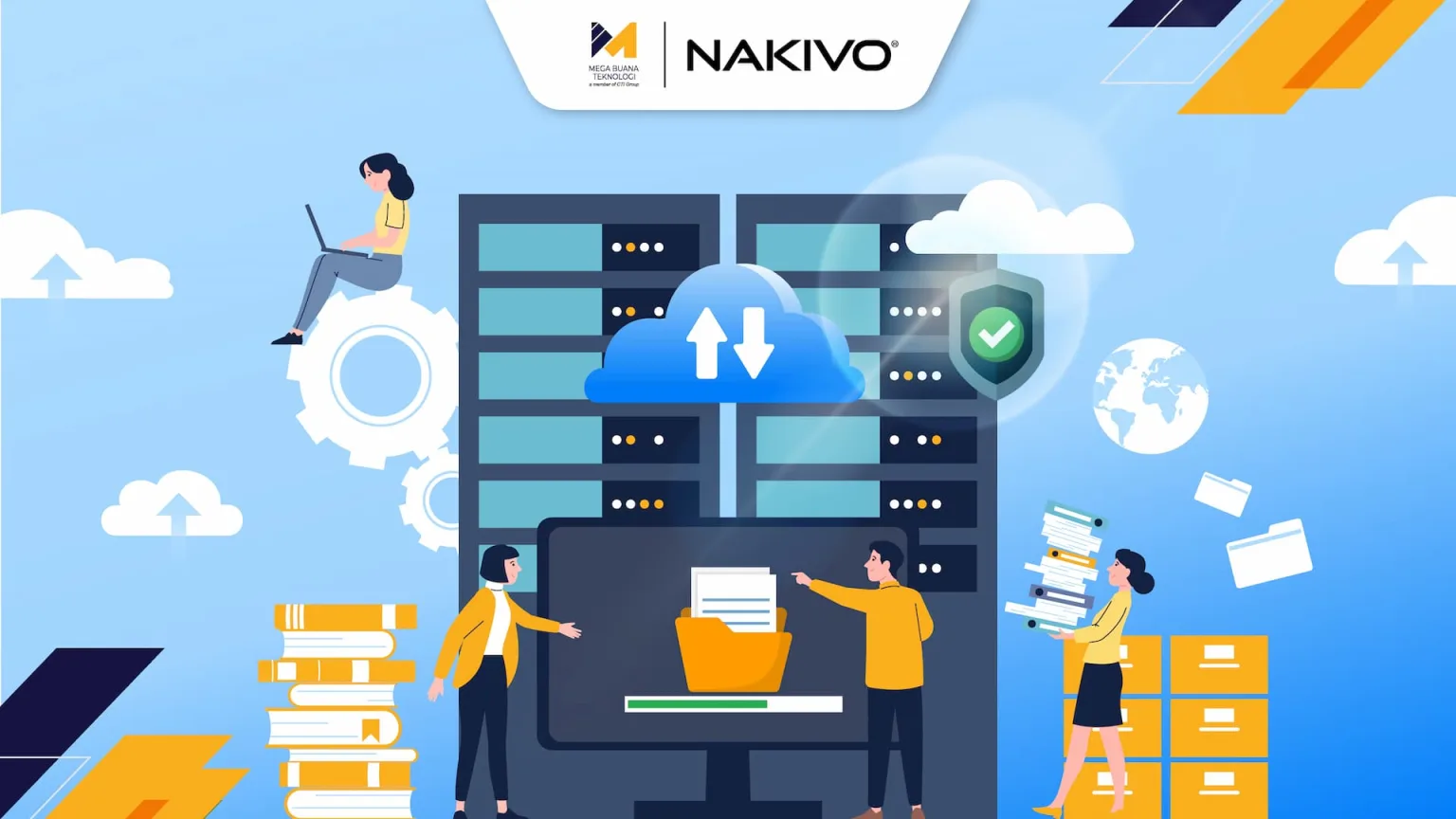
NAKIVO backup & replication is a modern data protection platform designed to address backup, recovery, monitoring, ransomware protection, and disaster recovery requirements within a single integrated solution. Unlike traditional approaches that require multiple standalone products, NAKIVO delivers an all-in-one platform.
NAKIVO demonstrates that backup speed and efficiency do not have to come with premium pricing or complex implementation requirements. The solution is built to provide backup, replication, instant recovery, ransomware protection, IT monitoring, and site recovery capabilities from a centralized platform.
The platform supports a wide range of modern infrastructure environments, including VMware vSphere, Microsoft Hyper-V, Nutanix AHV, Proxmox VE, Amazon EC2, Windows, Linux, NAS storage, Microsoft 365, and Oracle Database through RMAN.
Ease of deployment is one of NAKIVO’s key strengths. Organizations can deploy, configure, and begin running backups in as little as five minutes. Additionally, NAKIVO maintains an average user rating of 4.7 out of 5, with customers highlighting its ability to reduce both IT management time and operational costs
How Native Change Tracking Technology Cuts Backup Time by Up to 2x?
One of the primary causes of slow backup performance is the need to repeatedly scan entire datasets every time a backup job runs. NAKIVO addresses this challenge through Native Change Tracking technology, which allows the system to identify and process only the data blocks that have changed since the previous backup.
By focusing exclusively on changed data, the solution eliminates the need to reread entire data volumes, resulting in significantly improved efficiency. The benefits of Native Change Tracking include reduced CPU and storage utilization, faster incremental backups, lower network traffic, shorter backup windows, and minimal impact on production workloads.
Native Change Tracking integrates directly with change-tracking mechanisms provided by virtualization and infrastructure platforms, such as Changed Block Tracking (CBT) in VMware, Resilient Change Tracking (RCT) in Hyper-V, and equivalent technologies in other environments. These mechanisms accurately record which storage blocks have changed since the last snapshot, allowing NAKIVO to process and transfer only the modified data.
As a result, backup jobs that previously required hours to complete due to full-volume scanning can now finish significantly faster by processing only incremental changes. This capability enables backup operations to run up to twice as fast as conventional approaches, allowing organizations to protect data more frequently without disrupting business operations.
Reduce Server Storage Load with Global Deduplication and Compression Features
Beyond backup speed, storage capacity remains a major challenge in enterprise backup strategies. As data volumes continue to grow, infrastructure costs increase accordingly. Storage efficiency therefore becomes a critical factor in reducing Total Cost of Ownership (TCO).
NAKIVO utilizes Global Deduplication and Compression technologies to eliminate duplicate data before it is stored in backup repositories. This approach provides several benefits, including reduced storage requirements, lower bandwidth consumption during data transfers, faster backup and recovery operations, and minimized storage expansion costs.
NAKIVO applies deduplication globally across the entire backup repository rather than limiting it to individual virtual machines or backup jobs. This means that when multiple VMs or servers contain identical data blocks, such as operating systems, applications, or unchanged files, those blocks are stored only once regardless of how many systems contain them.
Global deduplication is particularly effective in virtualized environments where many VMs are cloned from the same template, resulting in a large number of identical operating system and application blocks across instances. Storage savings can become highly significant in environments with numerous VMs sharing similar data characteristics.
In addition to deduplication, NAKIVO applies compression to backup data before it is stored in the repository. Compression algorithms identify repetitive patterns within the data and replace them with more compact representations. The combination of deduplication and compression often results in substantial reductions in backup storage requirements compared to the original source data.
This optimization technologies help NAKIVO can deliver a TCO that is up to 49 percent lower than many competing backup solutions. This makes it an attractive option for organizations seeking stronger data protection without significantly increasing operational expenses.
Instant Recovery Flexibility to Ensure Enterprise Business Continuity
Fast backups provide little value if recovery processes remain slow. In the event of ransomware attacks, human error, server failures, or system outages, organizations require rapid recovery capabilities to minimize downtime.
NAKIVO delivers flexible recovery options that help organizations resume operations as quickly as possible without waiting for lengthy restoration processes.
Instant VM Recovery
NAKIVO Instant VM Recovery enables virtual machines to be restored and powered on directly from the backup repository without waiting for a full restore process. The VM boots directly from backup storage and becomes immediately accessible to users, while data migration back to production storage occurs in the background. This allows Recovery Time Objectives (RTOs) to be measured in minutes rather than hours.
Physical Machine Recovery
Physical Machine Recovery supports the restoration of Windows and Linux physical servers following system failures, whether to the original hardware, different hardware, or even virtual machine environments.
Granular Recovery
NAKIVO offers multiple levels of recovery granularity based on the specific recovery scenario. Organizations can restore individual files, folders, databases, emails, and application objects without recovering the entire system.
Cross-Platform Recovery
Workloads can be restored to alternative locations based on business requirements and disaster recovery strategies. This capability helps organizations maintain business continuity while reducing productivity losses caused by extended downtime.
Tips for Setting Up an Automatic Backup Schedule to Save Time and Reduce Infrastructure Costs
Selecting the right backup solution is only part of the equation. Effective scheduling strategies also play a critical role in improving efficiency. Consider the following best practices.
Tier Workloads Based on Business Criticality
Not all servers and datasets carry the same level of importance. Customer-facing transaction systems, core business databases, and ERP applications typically require very short RPOs, making backups every few hours necessary. Development systems, staging servers, and archival storage may require less frequent backups. Classifying workloads and aligning backup schedules with business criticality is one of the most impactful ways to optimize backup strategies.
Use Incremental Forever for Daily Backups
NAKIVO’s Native Change Tracking technology supports an incremental-forever backup approach. After an initial full backup is completed, all subsequent backups capture only incremental changes. NAKIVO automatically manages synthetic full backups in the background when required, eliminating the need for recurring resource-intensive full backups. This approach dramatically reduces the load on production systems while shortening backup windows.
Set a Balanced Retention Policy
Retention policies determine how long backup data is retained before automatic deletion. Policies that are too short increasedrisk, especially when incidents or ransomware infections are discovered days after they occur and required recovery points have already been removed. Conversely, overly long retention periods increase storage costs. NAKIVO supports Grandfather-Father-Son (GFS) retention policies, automatically maintaining daily, weekly, monthly, and yearly recovery points to balanceprotection and cost efficiency.
Schedule Backups Outside of Peak Hours
Although NAKIVO is designed for lightweight backup operations, best practices still apply. Full backups and resource-intensive jobs should ideally run outside peak operational hours. For backups that must run during business hours, NAKIVO offers bandwidth throttling and CPU usage limitation features, enabling administrators to control resource consumption and ensure production applications retain priority access to system resources.
Enable Alert and Monitoring
Undetected backup failures represent one of the most dangerous risks in data protection strategies because IT teams may only discover issues when recovery becomes necessary. NAKIVO provides automated email alerts and monitoring integrations for backup failures, SLA violations, and backup anomalies that require investigation.
Perform Periodic Recovery
A backup that has never been tested cannot be fully trusted. NAKIVO provides SureBackup functionality, which automatically launches restored VMs within an isolated environment and verifies that they can boot and operate correctly without affecting production systems. Regular recovery testing ensures backups are truly recoverable when needed.
Secure Backup in Cloud
Utilize cloud backup destinations such as Amazon S3, Azure Blob Storage, Wasabi, or Backblaze B2 to enhance data resilience and strengthen disaster recovery capabilities.
Get the Best and Most Efficient Server Data Protection Solutions with MBT
It’s time to build a server backup strategy that is efficient, fast, aligned with your organization’s required RTO/RPO objectives, and optimized to fit your IT budget.
NAKIVO’s commitment to delivering reliable data protection solutions is further demonstrated by its recognition as the Winner of the Cybersecurity Excellence Awards in the Business Continuity and Disaster Recovery (BCDR) category. This achievement reinforces organizations’ confidence in NAKIVO’s capabilities as a trusted provider of backup and replication solutions.
As an official NAKIVO partner and part of CTI Group, MBT delivers comprehensive backup and replication solutions that support end-to-end data protection. Benefit from a comprehensive assessment that includes seamless implementation and configuration by certified engineers, along with backup schedule optimization, retention policy design, and integration with your existing monitoring systems.
Schedule an assessment today to identify potential gaps in your current backup strategy and develop a resilient server data protection plan before vulnerabilities escalate into business-critical incidents. Contact our team today.
Author: Ervina Anggraini – Content Writer CTI Group