
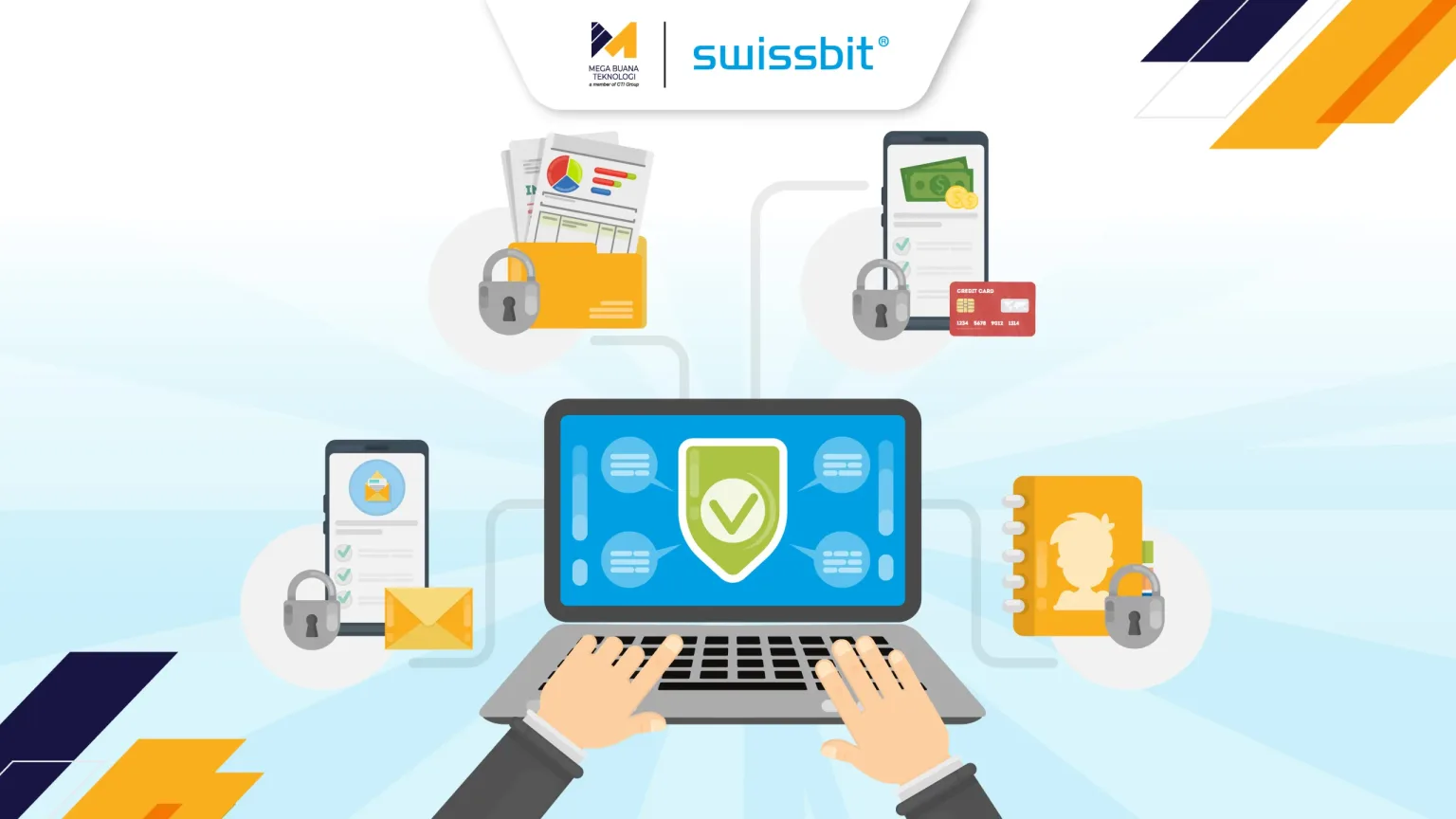
From corporate email and business applications to online banking and cloud services, nearly everyaspect of our digital lives depends on usernames and passwords. Unfortunately, this long-standing method of authentication has also become one of the primary targets for cybercriminals. It’s no surprise that 90% of internet users worry about their passwords being stolen or misused, while compromised credentials remain one of the leading causes of data breaches and unauthorized access.
No matter how complex a password is, it still has inherent limitations. As long as authentication relies solely on something users know, passwords can be guessed, stolen, reused, or exposed through phishing attacks. Organizations therefore need an authentication method that goes beyond traditional passwords to better protect their digital identities and critical business systems.
This is why more organizations are moving toward authentication methods that no longer rely entirely on passwords. One of the most effective approaches is hardware authentication, which uses a physical security device to verify a user’s identity and provide a significantly stronger layer of protection against modern cyber threats.
What Is Hardware Authentication and How Does It Work?
Hardware authentication is an identity verification method that uses a physical device, such as a USB security key or smart card as an authentication factor to confirm that the person attempting to access a system is the legitimate user. Unlike one-time passwords (OTPs) delivered via SMS or mobile authenticator apps, which can still be intercepted or manipulated under certain circumstances, hardware security keys securely store cryptographic credentials inside a dedicated chip that is isolated from the operating system.
Because these credentials never leave the device, the private key remains protected even if the computer or smartphone being used is infected with malware. This hardware-based approach significantly reduces the risk of credential theft compared to software-only authentication methods.
From the user’s perspective, the login process is remarkably simple. After entering their username and password, they simply insert the security key into a USB port or tap it via NFC on a compatible mobile device and confirm the login with a touch. Behind the scenes, the device performs a cryptographic verification based on the FIDO2 standard, ensuring that the authentication request originates from the legitimate website or application. Since this verification takes place at the hardware level rather than through a code that can be copied or re-entered, hardware authentication offers a much stronger defense against credential-based attacks.
Why Does Hardware Authentication Provide Stronger Security?
Effective cybersecurity is built on multiple layers of protection rather than a single security measure. Alongside security policies, user awareness, and endpoint protection, strong authentication plays a critical role in preventing unauthorized access. Hardware authentication strengthens this layer by addressing one of the most common attack vectors in today’s threat landscape: compromised credentials.
When authentication depends on a physical security key, cybercriminals can no longer gain access simply by stealing usernames and passwords through phishing emails or purchasing leaked credentials from the dark web. They must also possess the registered security key, a requirement that makes remote attacks significantly more difficult to execute.
In addition, FIDO2-based authentication is cryptographically bound to the legitimate domain of the service being accessed. If a user unknowingly visits a phishing website designed to mimic a legitimate login page, the security key simply will not authenticate the request. As a result, attackers are unable to capture valid credentials or trick users into granting unauthorized access.
Hardware authentication also helps mitigate credential stuffing attacks, where cybercriminals attempt to reuse usernames and passwords obtained from previous data breaches across multiple services. Even if those credentials have been exposed elsewhere, they cannot be used to access protected systems without the corresponding physical security key.
By combining phishing resistance with strong cryptographic verification, hardware authentication has become a key component of modern cybersecurity strategies. It aligns closely with Zero Trust principles, supports stronger multi-factor authentication (MFA), and helps organizations better protect sensitive systems and digital identities.
What Are the Benefits of Hardware Authentication for Users and Organizations?
One of the biggest advantages of hardware authentication is that it enhances security without compromising user convenience. Instead of waiting for SMS verification codes or switching between applications to retrieve one-time passwords, users simply connect or tap their security key to complete the authentication process within seconds.
A single security key can also be used across multiple FIDO2-compatible services, including corporate email, internal business applications, cloud platforms, and other supported systems. This creates a more seamless login experience while reducing the need to remember multiple credentials or rely on different authentication methods for different services.
For organizations, the benefits extend beyond stronger security. Hardware authentication can significantly reduce password reset requests, account lockouts, and security incidents caused by stolen credentials. This allows IT teams to spend less time handling routine support requests and more time focusing on strategic initiatives that improve overall security and operational efficiency.
Perhaps most importantly, implementing hardware authentication demonstrates an organization’s commitment to protecting sensitive information. By adopting stronger identity verification methods, businesses not only reduce cyber risk but also strengthen customer trust and confidence in how their data is secured.
When Should Organizations Use Hardware Authentication?
Hardware authentication is an ideal solution for organizations that handle sensitive data, manage access to cloud-based applications, or operate in hybrid and remote work environments. It is particularly valuable for users with elevated privileges, such as system administrators, IT teams, security personnel, and executives who are often prime targets for cyberattacks.
Beyond strengthening account security, hardware authentication also supports regulatory compliance and broader cybersecurity initiatives. Many organizations adopting Zero Trust architectures or implementing stronger multi-factor authentication (MFA) strategies use hardware security keys to enhance identity protection while maintaining a simple and user-friendly login experience.
As cyber threats continue to evolve, hardware authentication provides a practical way to reduce the risks associated with compromised credentials without disrupting employees’ day-to-day workflows.
Why Choose Swissbit iShield Key 2?
Once an organization decides to implement hardware authentication, selecting the right security key becomes equally important. The ideal solution should not only provide robust security but also integrate seamlessly into existing IT environments and support a wide range of business applications.
Swissbit iShield Key 2 is an all-in-one hardware authentication solution designed to meet the security needs of modern enterprises. Built on the FIDO2 standard, it is compatible with leading platforms and services, including Google, Microsoft, Salesforce, and Amazon making deploymentsstraightforward across existing IT infrastructures. It also supports multi-factor authentication (MFA), enables Zero Trust security strategies, and helps organizations meet internationally recognized cybersecurity standards.
iShield Key 2 (USB-C/NFC)
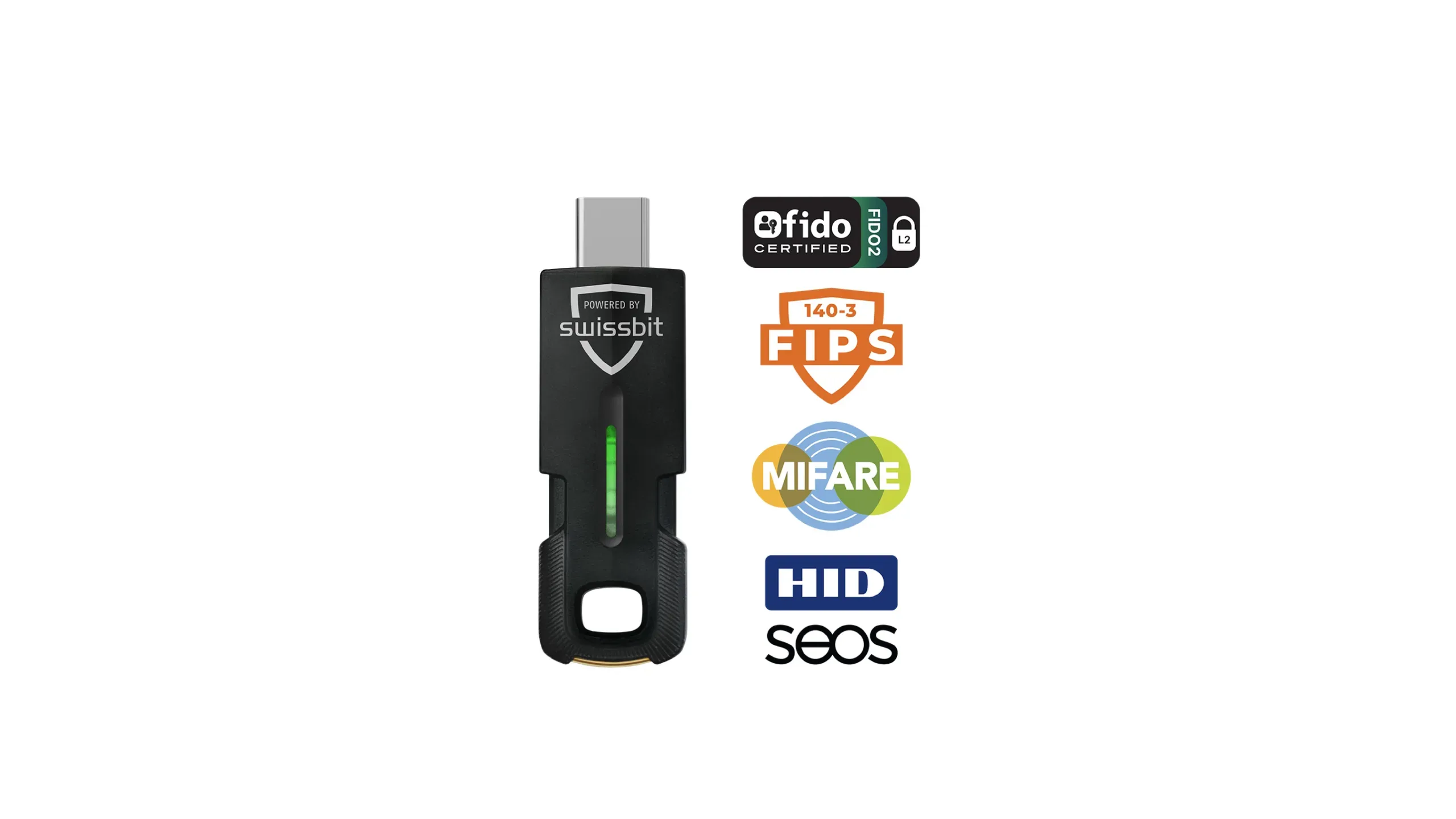
The USB-C/NFC model is designed for today’s modern devices, including laptops and smartphones equipped with USB-C ports. With built-in NFC support, users can authenticate simply by tapping the security key against a compatible mobile device, making it an excellent choice for professionals who frequently work on the go or switch between multiple devices.
iShield Key 2 (USB-A/NFC)
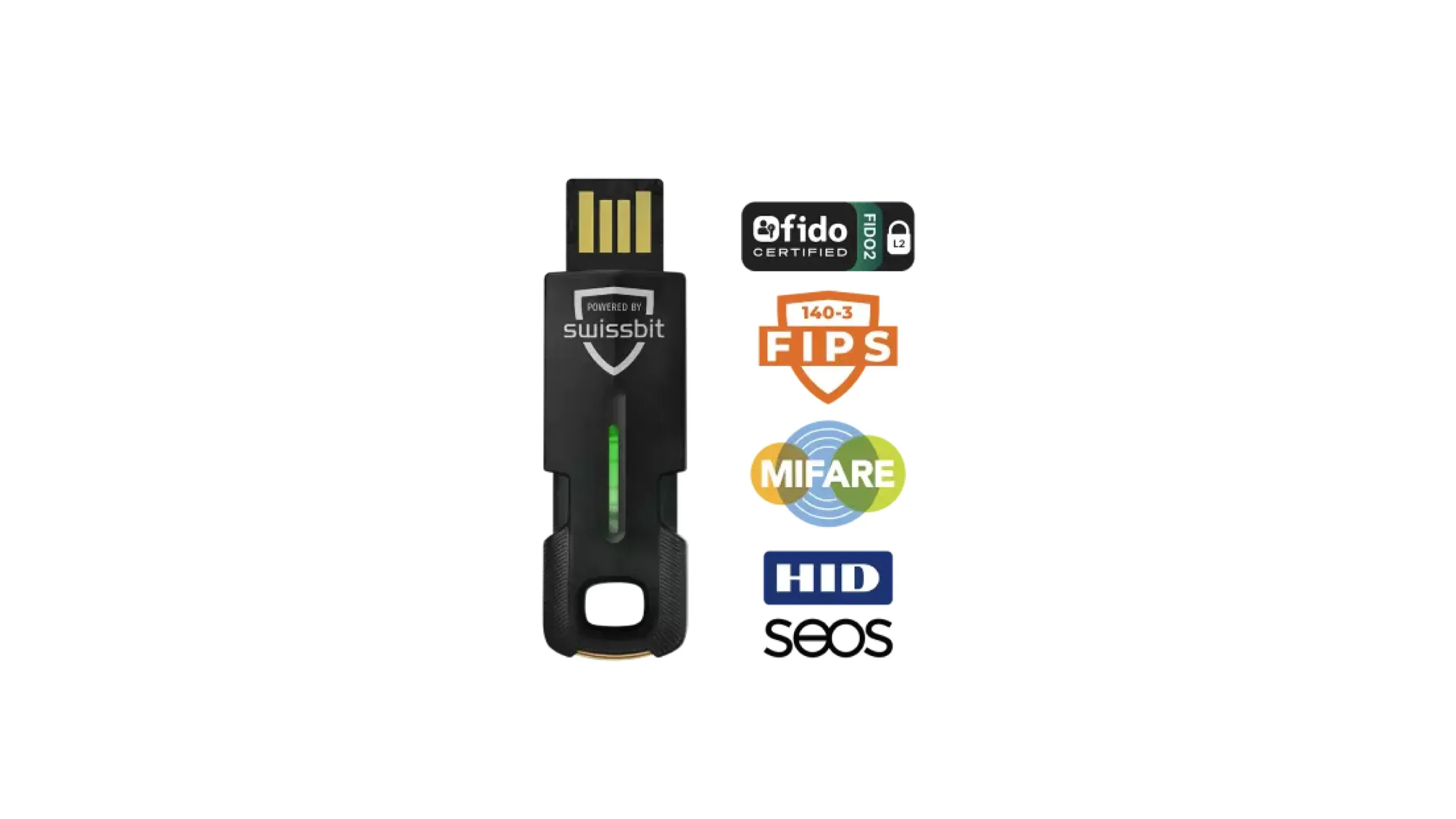
For organizations that continue to rely on desktops and laptops with traditional USB-A ports, the USB-A/NFC model offers the same level of enterprise-grade security without requiring hardware upgrades. NFC functionality also provides added flexibility, enabling convenient authentication across compatible mobile devices while supporting existing IT infrastructures.
Read More: The Ultimate Guide to Cloud Infrastructure: From Definition to Implementation
Strengthen Your Security Strategy with MBT
As phishing attacks, credential theft, and identity-based cyber threats continue to rise, relying on passwords alone is no longer enough to protect critical business systems. Hardware authentication offers a stronger and more reliable approach by ensuring that only authorized users can access sensitive resources, while delivering a fast and seamless login experience.
As an authorized Swissbit partner in Indonesia, Mega Buana Teknologi (MBT), part of CTI Group,is ready to help your organization assess its authentication requirements, select the right iShieldKey 2 solution, and support every stage of implementation. Our team works closely with businesses to deploy secure, scalable authentication solutions that align with their operational needs and long-term cybersecurity strategies.
Contact MBT today to learn how hardware authentication can help strengthen your organization’s digital security and protect what matters most.
Author: Wilsa Azmalia Putri – Content Writer CTI Group