
As ransomware threats continue to evolve, the question for businesses is no longer simply whether they have a backup, but whether that backup is protected from attack. Gartner predicts that by 2028, 75% of enterpriseswill prioritize backup for SaaS applications as a critical requirement, up significantly from just 15% in 2024. Gartner also highlights that backup platforms are increasingly becoming direct targets of ransomware because they contain critical data and serve as one of the key recovery points when an incident occurs. Gartner
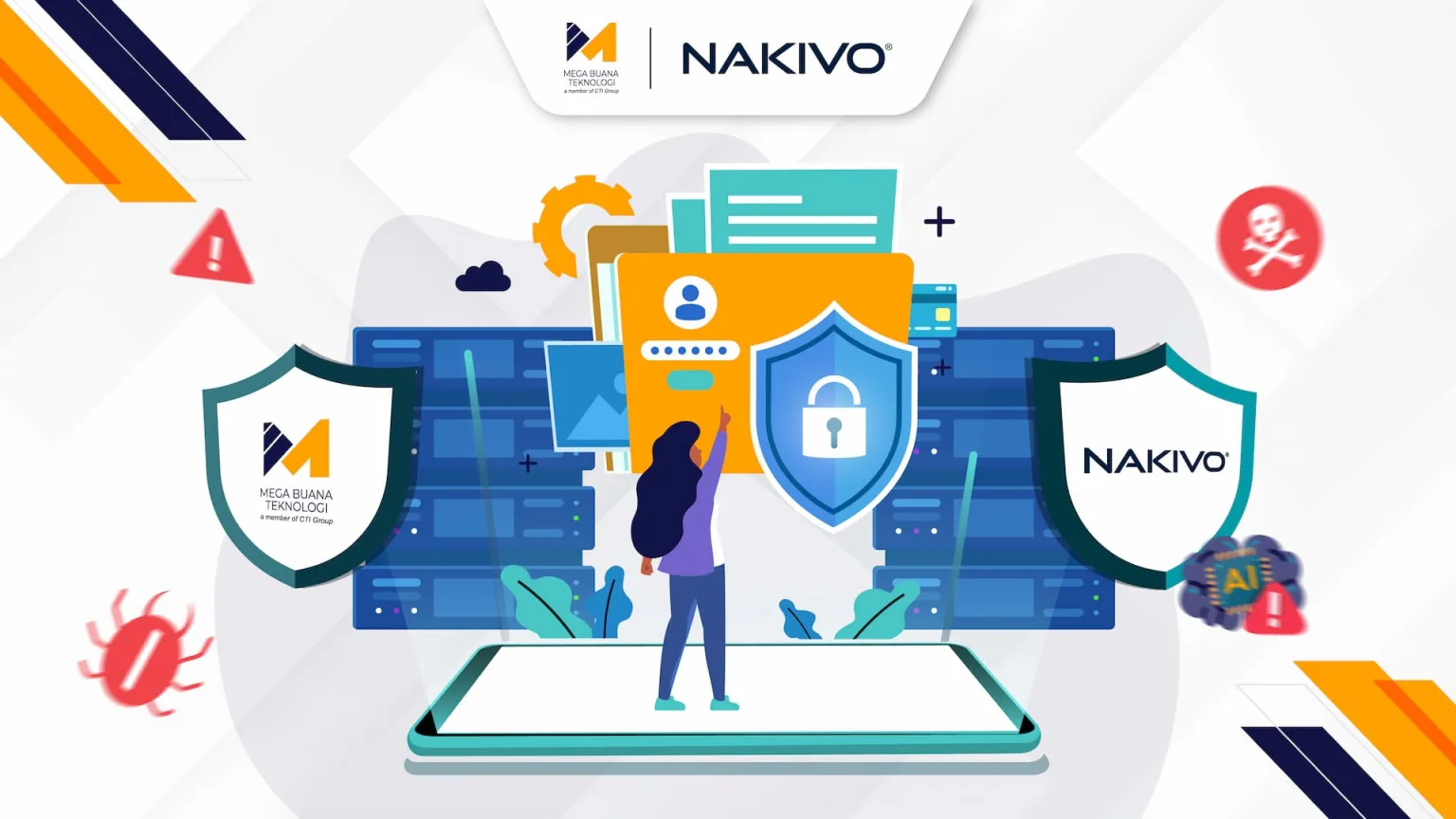
This highlights an important reality: having a backup is no longer enough. If backup copies can still be accessed, modified, encrypted, or deleted by attackers, organizations may lose their ability to recover when their primary systems are compromised. For enterprise IT teams, ransomware protection for backups has therefore become an essential part of business continuity, helping ensure that critical data remains available and recoverable when it matters most.
Why Is Ransomware Protection for Backups Becoming an IT Enterprise Priority?
For years, many organizations have viewed backups as the final layer of protection against data loss. Modern ransomware, however, has changed that assumption. Attackers are not only looking to encrypt data on production servers; they can also target backup systems directly to eliminate the victim’s recovery options. Gartner notes that ransomware actors are increasingly prioritizing access to, exfiltration of, encryption of, and destruction of data within backup systems.
When backups are compromised, organizations can lose one of their most important recovery paths when production systems become unavailable. This can put additional pressure on businesses to pay a ransom because fewer recovery options remain.
For this reason, backup infrastructure should be treated as part of the organization’s critical IT infrastructure, rather than simply a location for storing copies of data. Protection mechanisms such as immutable storage, network isolation, strict access controls, and regular recovery testing should be incorporated into the backup architecture from the outset.
Modern Cyber Threats: How Attackers Target Enterprise Backup Systems
Targeted ransomware attacks rarely happen at random. After gaining initial access to an organization’s environment, attackers may perform reconnaissance to understand the infrastructure, identify privileged credentials, and locate systems and repositories containing backup data.
Compromised administrator accounts are particularly dangerous because they can provide access to broader parts of the backup infrastructure. If backup systems remain directly connected to the production network without sufficient access restrictions, attackers may attempt to move laterally and gain access to repositories or recovery points.
The objective is straightforward to remove the organization’s ability to recover independently. When available data copies are encrypted or deleted, the pressure to pay the ransom increases.
This is why ransomware protection cannot stop at endpoint security or firewalls. The backup environment itself needs additional layers of defense, so it remains usable even when the primary infrastructure has been compromised.
Best Practices for Ransomware Protection for Backups
To build a more resilient backup environment, organizations can adopt the 3-2-1-1 backup strategy: maintain at least three copies of data, use two different types of media, keep one copy offsite, maintain one immutable or air-gapped copy, and achieve zero errors through regular backup verification and recovery testing.
Two elements are particularly important within this approach: immutability and air-gapped backups.
Immutable backups use mechanisms that prevent data from being modified or deleted during a defined retention period. With a WORM (write-once-read-many) approach, recovery points remain protected against attempts to alter or remove them, including those made by ransomware.
Air-gapped backups add another layer of isolation between backup copies and the production environment. Once a backup is created, the storage medium can be disconnected from the network, preventing it from being accessed directly through the same attack path. NAKIVO describes air-gapped storage as media that can be physically disconnected after the backup is written, helping prevent ransomware from directly accessing the protected data. NAKIVO
Protection should also extend access to management. Role-based access control (RBAC) and two-factor authentication (2FA) can help limit who is authorized to access or manage the backup infrastructure. Finally, organizations should regularly test recovery processes to verify that backup copies are usable when an incident occurs.
Key NAKIVO Backup & Replication Features for Ransomware Protection
To help organizations implement these practices, NAKIVO Backup & Replication provides a range of capabilities designed to protect backup data while accelerating recovery.
Immutable Backup
NAKIVO supports immutable storage across local repositories, public cloud, and S3-compatible storage. Recovery points can be protected using a WORM mechanism, preventing them from being modified or deleted during the defined retention period. Supported cloud storage options include Amazon S3, Wasabi, Azure Blob, and Backblaze B2.
Air-Gapped Backup
To provide an additional layer of isolation, NAKIVO also supports backup to media that can be disconnected from the network, including tape and various types of removable storage. This approach helps ensure that at least one backup copy remains outside the primary network attack path.
Backup Malware Scan
An immutable backup is not necessarily free from malware that may have already been present in the environment when the backup was created. NAKIVO therefore provides a Backup Malware Scan to help detect malware within backup data before it is used for recovery. This can help organizations avoid restoring an already-infected backup into the production environment.
Fast Deployment and Cost Efficiency
From an implementation perspective, NAKIVO offers rapid deployment, with its official materials stating that the solution can be deployed and configured in around five minutes. The platform also provides workload-based licensing models and multiple editions to accommodate different organizational requirements with offer costs up to 49% lower than other vendors.
Faster Recovery and Disaster Recovery
Backup protection ultimately needs to be supported by effective recovery capabilities. NAKIVO provides multiple recovery options, including instant VM recovery, full VM recovery, as well as failover and failback capabilities to help organizations restore workloads following an incident. Disaster recovery orchestration can also help automate recovery processes when organizations need to fail over to another environment.
By combining backup protection, threat detection, and recovery capabilities, organizations can build a backup strategy that goes beyond simply storing copies of data. The goal is to keep those copies protected, accessible, and ready to support recovery when an incident occurs.
<h2> Build a Resilient Ransomware Protection for Backups Strategy with MBT </h2>
As ransomware increasingly targets backup infrastructure, having the right technology must go hand in hand with an implementation strategy that fits the organization’s business and IT environment. As an authorized NAKIVO partner in Indonesia, Mega Buana Teknologi (MBT), part of CTI Group is ready to help organizations design and implement a more resilient ransomware protection for backups strategy, from initial assessment and solution implementation to ongoing technical support.
Don’t wait until a ransomware incident disrupts your primary systems and puts the backups you depend on at risk. Contact the MBT team to discuss a backup solution that is secure, reliable, and efficient from both an operational and cost perspective.
Author: Wilsa Azmalia Putri
Content Writer CTI Group